

Getting started with OCGuide
OCGuide replaces the paper build guides on the wall with one or two TVs. Each screen idles on a card wall of the current job aids and turns the page every 20 seconds. Anyone on the line can zoom into a build with the keyboard.
What it looks like
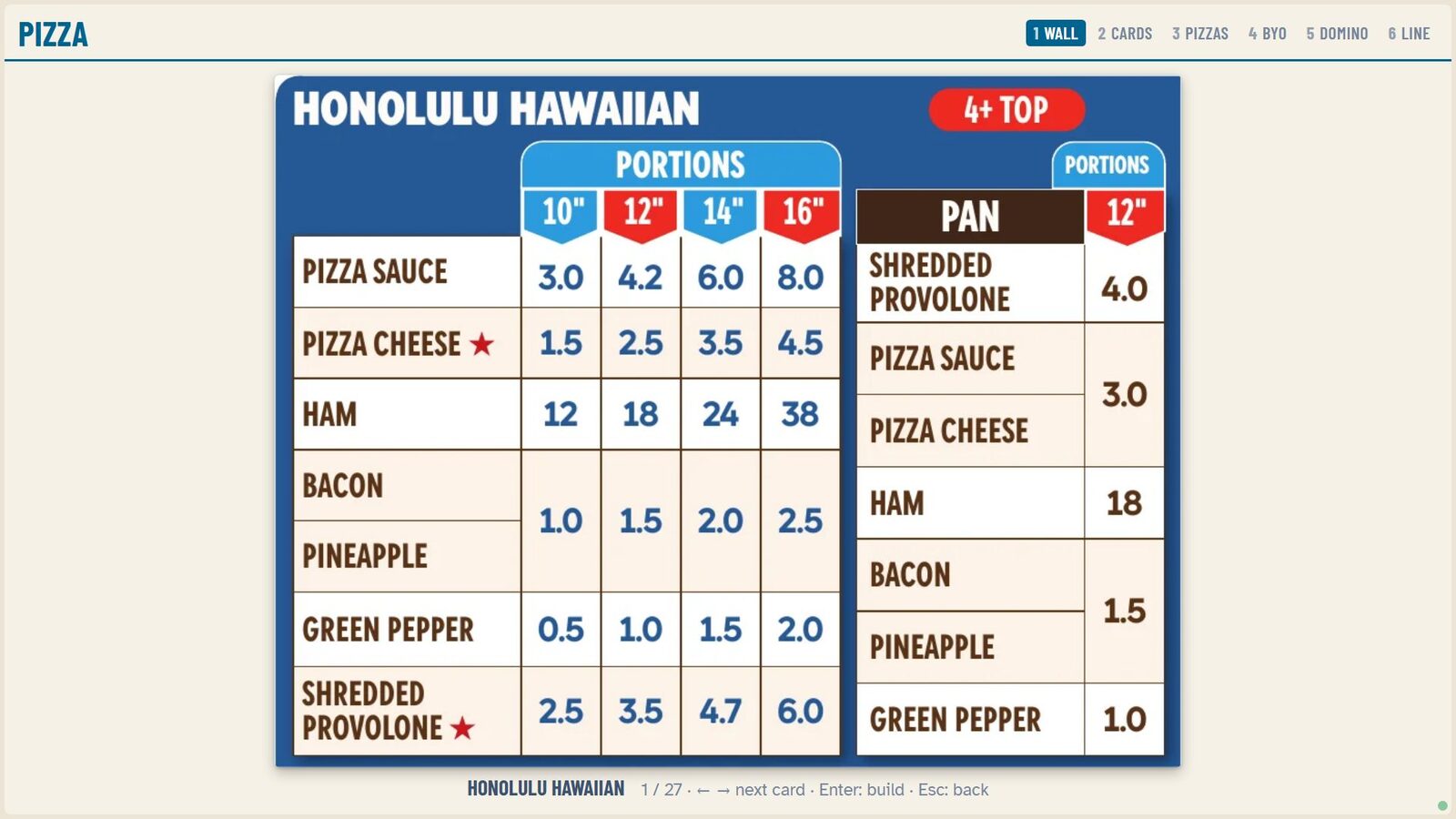
Section titled “What it looks like”Highlight a card and press Enter to zoom it to the full screen:
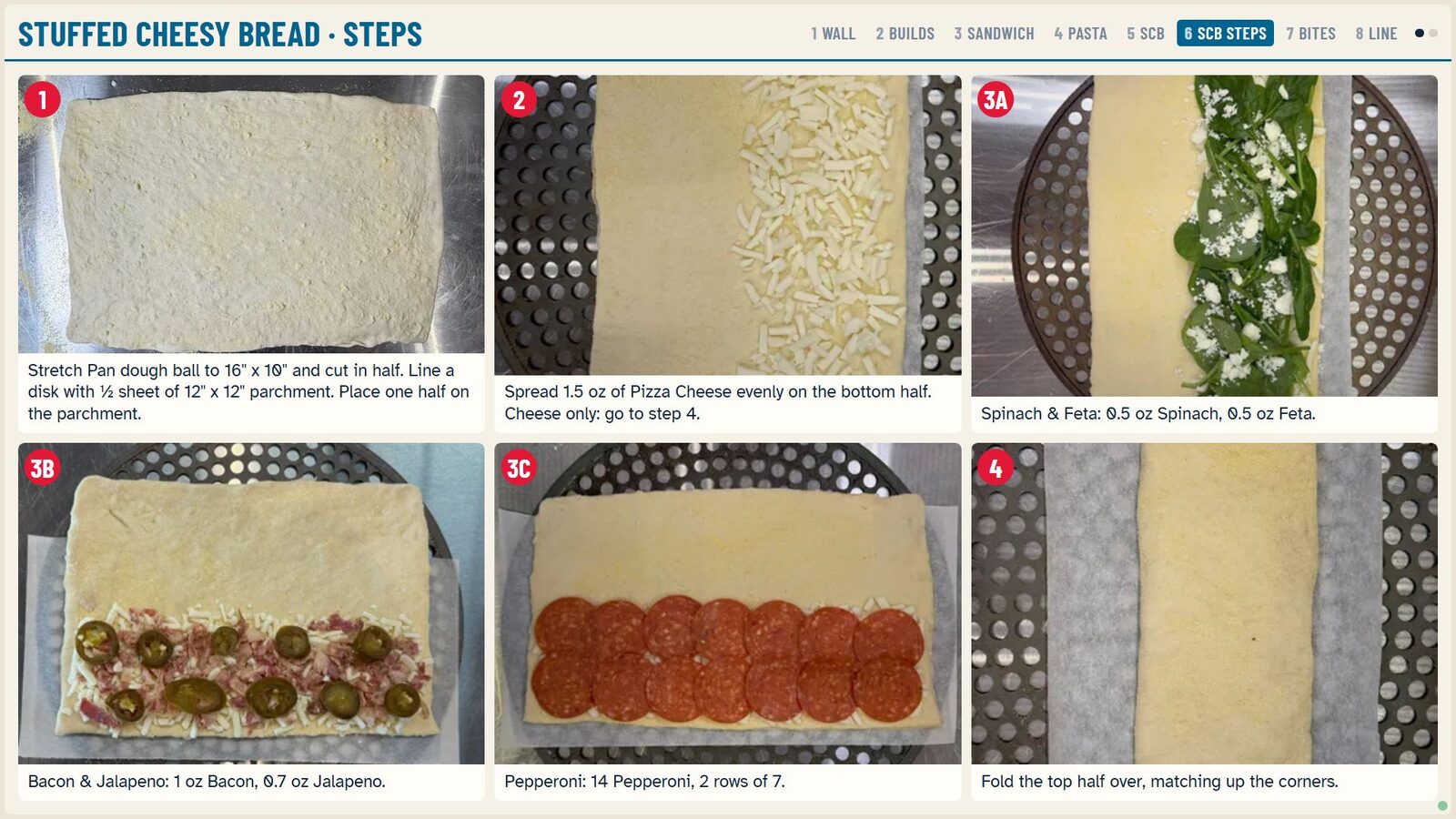
Press Enter again for the step-by-step build with photos:
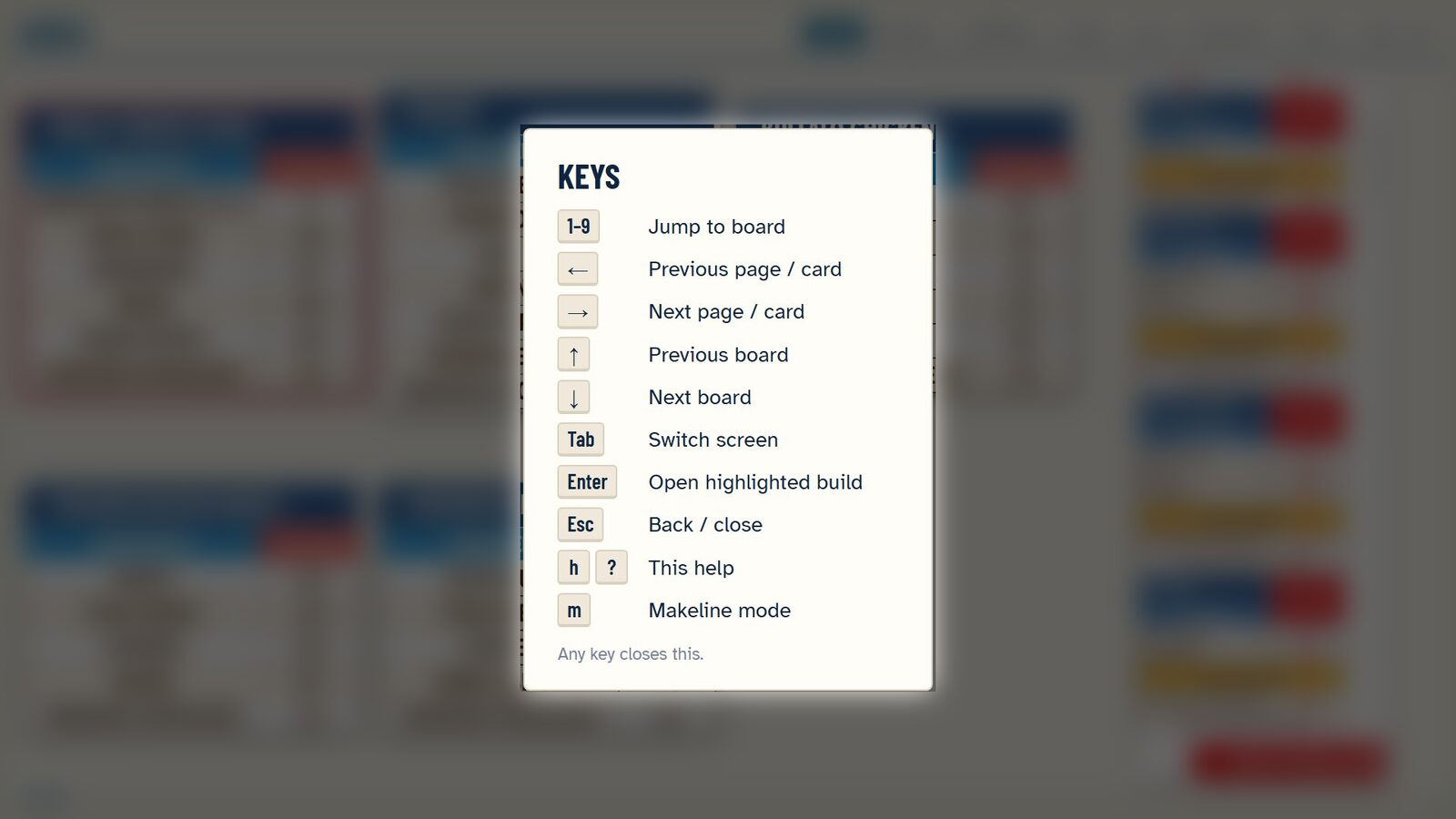
Press H at any time for the key guide:
What you need
Section titled “What you need”- A small fanless PC or Raspberry Pi 5. We ship it configured, or see the hardware guide.
- One or two HDMI TVs mounted where the makeline can see them.
- A keyboard or numeric keypad on the line. No mouse needed.
Controls
Section titled “Controls”| Key | Action |
|---|---|
| Arrow keys | Move the highlight |
| Enter | Zoom the highlighted card; press again for the step-by-step build |
| Esc | Back |
| 1 to 9 | Jump to a board |
| Tab | Switch screen |
| H | Help |
| M | Makeline mode |
Keeping content current
Section titled “Keeping content current”Your job aid cards live in one place. When a card changes, update it once and every screen in every store picks it up on the next sync, with no visit to the store.
Coming: makeline OCR
Section titled “Coming: makeline OCR”A capture stage will read the live makeline queue and bring up the build card for the order being made. Everything is processed on the store device and nothing leaves the store.